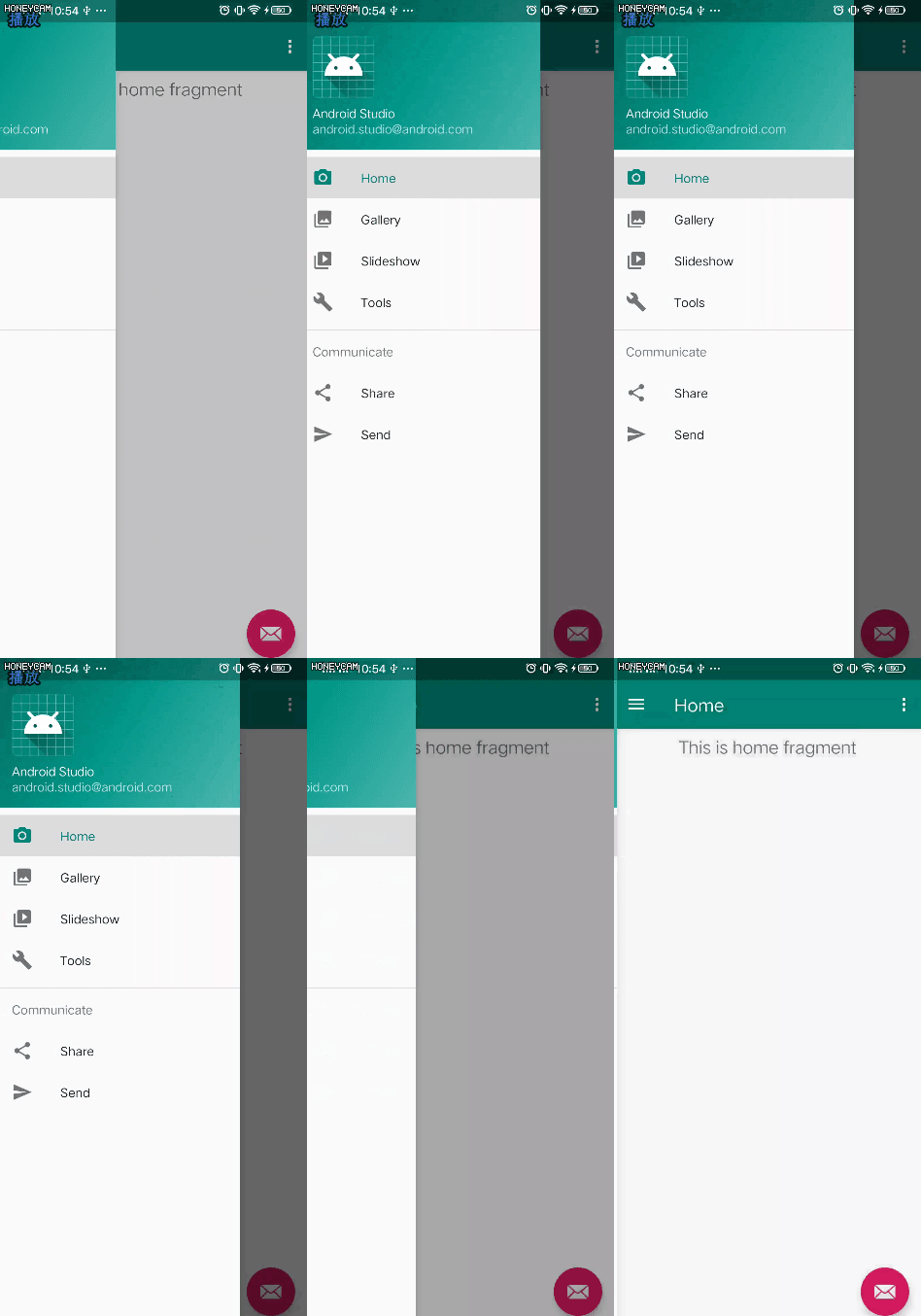
DrawerLayout
大多数APP都会提供侧边菜单,在手机屏幕的左测或者右侧从外向内滑动拉出一个菜单。就是用DrawerLayout实现的,Android官方提供的侧边菜单栏。
1、布局中添加DrawerLayout
DrawerLayout作为布局的根标签。主布局LinearLayout一定要放在紧接着第一个位置。而且大小一定要设置成match_parent
<?xml version="1.0" encoding="utf-8"?>
    <androidx.drawerlayout.widget.DrawerLayout
        xmlns:android="http://schemas.android.com/apk/res/android"
        xmlns:tools="http://schemas.android.com/tools"
        android:layout_width="match_parent"
        android:layout_height="match_parent">

        //紧接着是页面主布局
        <LinearLayout
            android:layout_width="match_parent"
            android:layout_height="match_parent"
            android:orientation="vertical">
        </LinearLayout>

    </androidx.drawerlayout.widget.DrawerLayout>
2、添加侧边菜单
在DrawerLayout布局中添加侧边菜单。紧接着主布局后面添加。
<?xml version="1.0" encoding="utf-8"?>
    <androidx.drawerlayout.widget.DrawerLayout
        xmlns:android="http://schemas.android.com/apk/res/android"
        xmlns:tools="http://schemas.android.com/tools"
        android:layout_width="match_parent"
        android:layout_height="match_parent">

        <LinearLayout
            android:layout_width="match_parent"
            android:layout_height="match_parent"
            android:orientation="vertical">
        </LinearLayout>

        //添加一个左滑菜单
        <View
            android:layout_width="150dp"
            android:layout_height="match_parent"
            android:layout_gravity="start" />

    </androidx.drawerlayout.widget.DrawerLayout>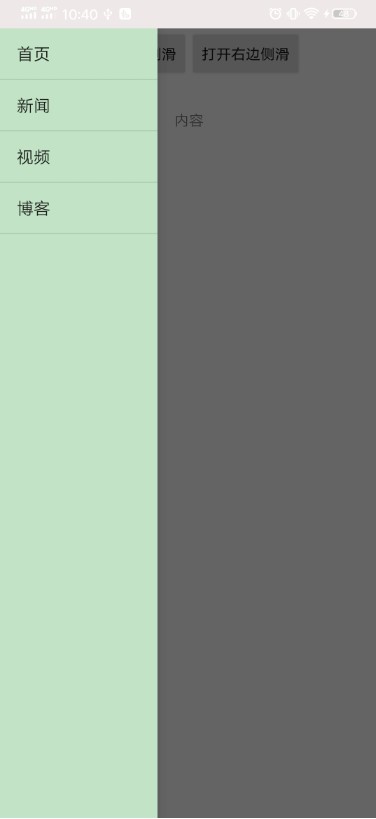
根据实际测试最多可以再主布局后面再添加两个布局,分别作为左滑菜单和右滑菜单。左滑菜单需要指定layout_gravity属性为start或者left。右滑菜单需要指定layout_gravity为end或者right
<?xml version="1.0" encoding="utf-8"?>
<androidx.drawerlayout.widget.DrawerLayout
    xmlns:android="http://schemas.android.com/apk/res/android"
    xmlns:tools="http://schemas.android.com/tools"
    android:layout_width="match_parent"
    android:layout_height="match_parent">

    <LinearLayout
        android:layout_width="match_parent"
        android:layout_height="match_parent"
        android:orientation="vertical">
    </LinearLayout>

    //左
    侧边菜单
    <View
        android:layout_width="150dp"
        android:layout_height="match_parent"
        android:layout_gravity="start" />

    //右侧边菜单
    <View
        android:layout_width="150dp"
        android:layout_height="match_parent"
        android:layout_gravity="end" />

</androidx.drawerlayout.widget.DrawerLayout>
3、打开关闭侧边栏
左右侧边向内滑动可以直接打开。点击侧边栏View之外的区域会自动收起侧边栏。还可以通过代码的方式控制侧边栏的开关状态。
①打开指定侧边栏
Gravity.LEFT或GravityCompat.START打开左边侧边栏;Gravity.RIGHT或GravityCompat.END打开右边侧边栏
mDrawerLayout.openDrawer(GravityCompat.START);②关闭侧边栏
//参数同上
    mDrawerLayout.closeDrawer(Gravity.LEFT);
4、DrawerListener
可以给DrawerLayout添加DrawerListener,监听侧边栏的开关状态。
mDrawerLayout.addDrawerListener(new DrawerLayout.DrawerListener() {

            public void onDrawerSlide(View drawerView, float slideOffset) {

            }

            public void onDrawerOpened(View drawerView) {

            }

            public void onDrawerClosed(View drawerView) {

            }

            public void onDrawerStateChanged(int newState) {

            }
        });
5、拓展结合NavigationView
一般配合DrawerLayout的控件是NavigationView(侧滑菜单),可以自行填充头部布局和菜单布局,还可以再添加任意布局。使用起来更灵活。
而且一般还会在页面中把ActionBar或者ToolBar的导航指示箭头开启,点击弹出侧边菜单栏。AndroidStudio自带一个DrawerLayout NavigationView导航栏的模板项目,可以新建一个尝试一下。