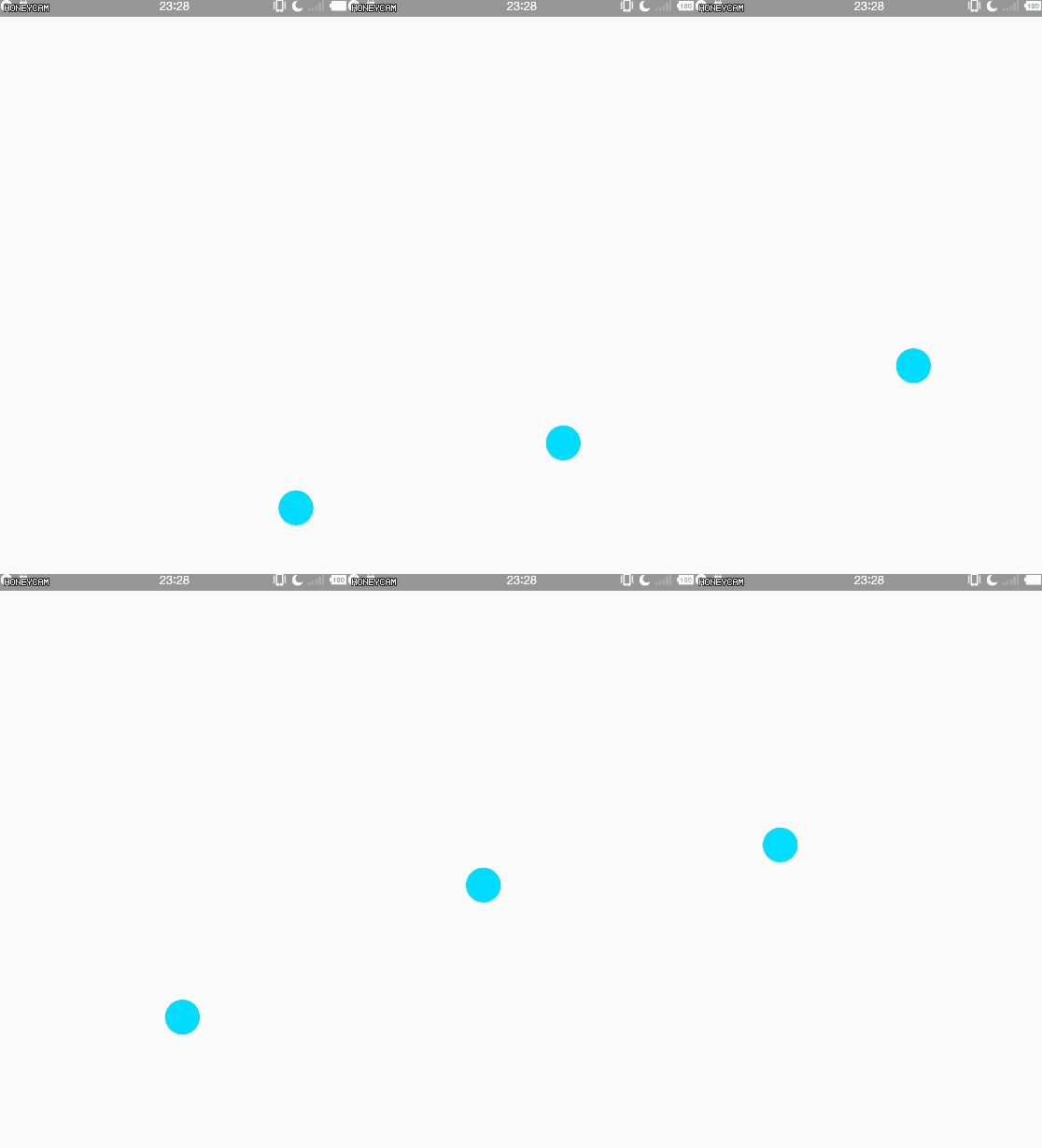
FloatingActionButton:悬浮按钮
FloatingActionButton(悬浮按钮)从Android 5.0之后随着Material Design加入Android控件家族。其实就是ImageView,继承关系如下:
java.lang.Object
↳ android.view.View
↳ android.widget.ImageView
↳ android.widget.ImageButton
↳ com.google.android.material.floatingactionbutton.FloatingActionButton
1、使用FloatingActionButton
一般配合CoordinatorLayout在布局中一起使用,实际遇到复杂的需求看源码,会找到突破口的。
<?xml version="1.0" encoding="utf-8"?>
    <androidx.coordinatorlayout.widget.CoordinatorLayout
        xmlns:android="http://schemas.android.com/apk/res/android"
        xmlns:tools="http://schemas.android.com/tools"
        android:layout_width="match_parent"
        android:layout_height="match_parent"
        tools:context=".activity.FloatingButtonActivity">

        <com.google.android.material.floatingactionbutton.FloatingActionButton
            android:id="@+id/floating_button"
            android:layout_width="40dp"
            android:layout_height="40dp"
            android:layout_gravity="bottom|center_horizontal"
            android:layout_marginBottom="20dp"
            android:background="@drawable/setting_icon_2" />

    </androidx.coordinatorlayout.widget.CoordinatorLayout>
2、FloatingActionButton属性
介绍FloatingActionButton中的一些方法和属性
2.1、app:fabSize
FloatingActionButton的大小。 如果设置了FabCustomSize,则将忽略此设置。
①auto:大小将根据窗口大小而变化。
②normal:普通尺寸的按钮。
③mini:迷你大小按钮。
2.2、app:rippleColor
点击FloatingActionButton时的波纹颜色
2.3、app:elevation
FloatingActionButton阴影的高度
2.4、app:backgroundTint
FloatingActionButton的背景颜色,设置backgroud为drawable时此属性可不用设置。
2.5、app:backgroundTintMode
用于应用背景色的混合模式。
<attr name="backgroundTintMode">
        <!-- The tint is drawn on top of the drawable.
             [Sa + (1 - Sa)*Da, Rc = Sc + (1 - Sa)*Dc] -->
        <enum name="src_over" value="3"/>
        <!-- The tint is masked by the alpha channel of the drawable. The drawable’s
             color channels are thrown out. [Sa * Da, Sc * Da] -->
        <enum name="src_in" value="5"/>
        <!-- The tint is drawn above the drawable, but with the drawable’s alpha
             channel masking the result. [Da, Sc * Da + (1 - Sa) * Dc] -->
        <enum name="src_atop" value="9"/>
        <!-- Multiplies the color and alpha channels of the drawable with those of
             the tint. [Sa * Da, Sc * Dc] -->
        <enum name="multiply" value="14"/>
        <!-- [Sa + Da - Sa * Da, Sc + Dc - Sc * Dc] -->
        <enum name="screen" value="15"/>
        <!-- Combines the tint and icon color and alpha channels, clamping the
             result to valid color values. Saturate(S + D) -->
        <enum name="add" value="16"/>
    </attr>
3、FloatingActionButton方法
介绍几个FloatingActionButton的方法。
3.1、setSize(int )
设置属性如下
①NO_CUSTOM_SIZE
指示FloatingActionButton不应具有自定义大小,而应基于使用setSize(int)或fabSize属性设置的值来计算大小。
②SIZE_AUTO
大小将根据窗口大小而变化.
③SIZE_MINI
迷你尺寸的按钮, 40dp.
④SIZE_NORMAL
普通尺寸的按钮, 56dp.
4、用途
①主界面固定悬浮菜单 (点击弹出周围一圈子菜单,动效相关)
②界面上可以移动的悬浮按钮 (如果设置了android:layout_gravity属性则无法正常移动)